
A blocked duct between the street access point and the house, a technician leaving without having installed the fibre: this is a situation some subscribers face even though their address is listed as eligible for very high-speed broadband.
Choosing a reliable internet provider involves more than the speed advertised on a sales page. It also depends on the provider’s ability to manage what happens between the street cabinet and the wall socket, where outages and failed installations are most likely to occur.
Failed fibre installation: what the provider cannot always control
People often compare plans based on price or advertised speed. They forget that the quality of a fibre connection also depends on the condition of the local infrastructure network, which may not belong to the chosen retail provider. In rural areas in particular, this is often a publicly funded network operated by a third party.
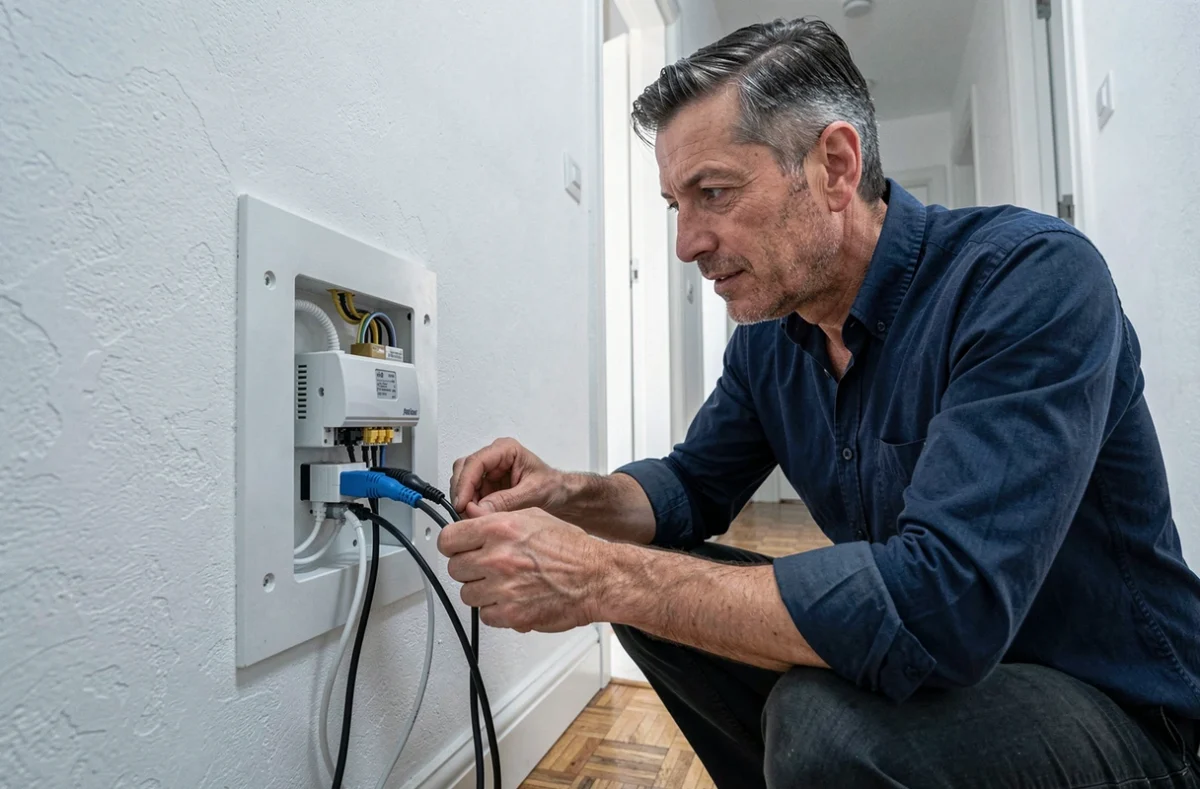
Arcep has noted that the handling of outages and failed installations still needs to improve on these networks. The regulator has also worked to better assess how their maintenance is funded. In practical terms, when a technician cannot connect an address (because a private duct is blocked or missing), civil engineering work on the property may be required, sometimes at the owner’s expense.
Before signing up, you can ask the provider a simple question: what happens if the installation fails, and who coordinates the next steps? The answer—or lack of one—says a lot about the actual level of service. Some providers offer dedicated support for these cases, while others refer customers to the infrastructure operator without providing assistance. Information about this type of support is available from regional providers such as https://www.horizonnet.be, which explain their support procedures.
Fibre availability and copper network shutdown: check your address before comparing plans
An address listed as eligible for fibre-optic broadband does not guarantee a trouble-free installation. Deployment delays persist, including in areas where fibre coverage is already extensive. Comparing very high-speed plans only makes sense after checking actual availability at your exact address, not just in your town.
This is becoming more urgent as the copper network is gradually shut down. The shutdown schedule depends on local fibre coverage: technical shutdowns are planned in batches, and dates may be postponed if coverage requirements are not met. In practice, it is best to check the date that applies to your town rather than rely on a general national schedule.
What to check before signing up
- Fibre availability at your exact address (not just in your town), using providers’ online tools or the Arcep website
- The planned date for the copper network shutdown in your town, so you can prepare for a mandatory switch to fibre or an alternative technology
- The identity of the infrastructure operator running the local network, as it—not the retail provider—is responsible for physical network repairs
If fibre is not yet available, alternative technologies such as fixed 4G or satellite can provide very high-speed internet, but with different latency and stability characteristics.
Infrastructure network outage: who responds, and how quickly?
When your connection goes down, you contact your provider. If the problem is with the router or Wi-Fi signal, the retail provider handles troubleshooting. But when the outage is on the infrastructure network (a cable cut in the street or a damaged street cabinet), the infrastructure operator must carry out the repair.
The retail provider then acts as an intermediary. Providers differ in how quickly they escalate a fault report and keep customers informed. Some offer updates by text message or through an online account, along with a repair ticket number. Others leave subscribers without any updates for several days.
Reliability indicators to consider together
Consumer reports on forums and review platforms are a useful complement to speed tests, but they do not provide a definitive ranking of reliability. These reports vary depending on the geographic area and the local infrastructure operator.
For a more reliable picture, compare three sources: feedback from other subscribers in the same neighbourhood, contractual commitments for restoring service, and speed test results from your address (not national averages). A good national average speed says nothing about the quality of service at your address.

Advertised and actual speeds: look beyond the sales page
Fibre plans advertise download speeds of up to several Gb/s. These figures represent the router’s theoretical maximum, not the speed every device will receive. The actual speed on a computer or phone depends on the Wi-Fi standard it supports, the number of devices connected at the same time, and its distance from the router.
Upload speed deserves just as much attention as download speed, especially for remote work (video calls, sending large files) or regularly uploading content online. Some plans offer symmetrical speeds, while others severely limit upload speeds.
- Check whether the plan offers symmetrical or asymmetrical speeds, and what the upload-to-download ratio is
- Test the connection after installation using an independent measurement tool, on a wired device to rule out Wi-Fi as a variable
- Compare the measured speed with the contractual commitments: some providers specify a guaranteed minimum speed, while others do not
No-contract plans and fees to budget for
No-contract plans make it easier to switch providers if the service does not meet your expectations. However, additional fees are often underestimated: activation fees, early termination fees for plans with a commitment, or setup fees for a new installation. Ask for a breakdown of all fees before signing up to avoid surprises on your first bill.
An internet provider’s reliability is measured as much by how it handles incidents as by the speed it promises. A provider that clearly explains its procedures for failed installations or network outages offers more useful transparency than a promise of maximum speed. Checking actual availability at your address, identifying the local infrastructure operator, and comparing service commitments are the three most practical steps to take before signing up.